 ezLFG
ezLFG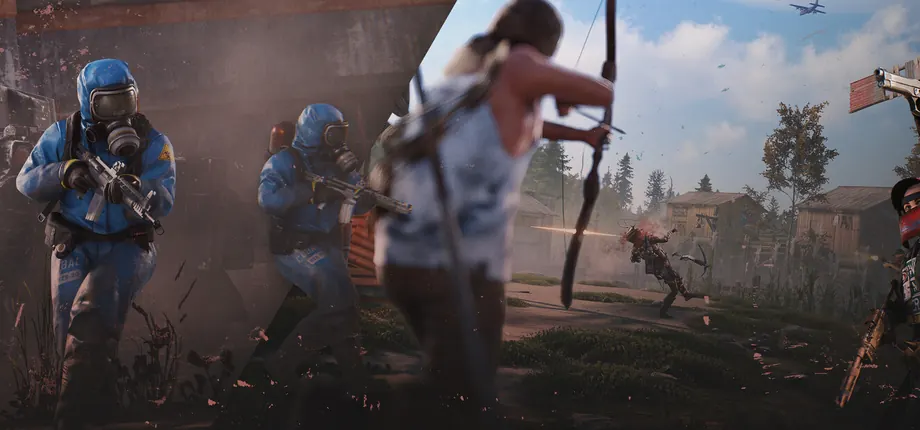
Rust LFG on Discord
Rust teams are usually formed around wipe day, and a group has to agree on the server size before anything else. ezLFG lobbies separate duo, trio and quad servers from no-limit clan servers, list the wipe stage and the server name or IP, and show who will build, farm, roam, raid or handle electrics. That makes it easier to find Rust teammates in your Discord server before the next wipe.
Rust modes and party sizes
| Mode | Party size | On the lobby card |
|---|---|---|
| Duo server | 2 | |
| Trio server | 2–3 | |
| Quad server | 2–4 | |
| No team limit (clans) | 2–20 | |
| PvE server | 2–8 | |
| Modded server (2x, 5x, 10x…) | 2–8 |
Rust roles
The host picks which roles the lobby still needs; players show the role they'll play.
- Base builder
- Farmer
- Roamer
- Electrician
- Raider
- Fill
Lobby details
Besides the mode and party size, a Rust lobby can say: Wipe stage and Server name or IP.
Platforms and crossplay
PC only; Rust Console Edition is a separate game.
Post a Rust lobby
- In your server's LFG channel, type
/lfgand pick Rust. - Choose the mode (for example Duo server) and how many players you need, and the roles you want.
- ezLFG posts the lobby. Others join in one click, and a full squad gets a ready check and its own voice channel.
Rust LFG questions
Can I find a Rust clan for a no-limit server?
Yes. Rust lobbies on ezLFG have a No team limit (clans) mode for 2 to 20 players, next to Duo, Trio and Quad server modes for smaller groups.
Does ezLFG cover Rust Console Edition?
ezLFG's Rust lobbies are for Rust on PC. Rust Console Edition is a separate game, so console players won't share a server with a PC Rust group.
More games
 Valheim LFGSurvival · 2–10 players
 Roblox LFGGame platform · 2–50 players
 Dota 2 LFGMOBA · 2–10 players
 Fortnite LFGBattle royale · 2–16 players
 VALORANT LFGTactical shooter · 2–10 players
 Counter-Strike 2 LFGTactical shooter · 2–10 players
Add ezLFG to your serverFree to add. Setup takes about a minute with the setup guide.